How to Unlock Peak Productivity in Google Workspace with Overlooked Tools and Features
In the relentless pursuit of organizational efficiency, many leaders fall into the trap of believing that more tools automatically equate to greater productivity. As a Senior Tech Writer at Workalizer.com, I'm here to tell you, frankly, that's often a mistake. By May 2026, the landscape of enterprise software isn't just about adopting the next shiny AI solution; it's profoundly about optimizing what you already have, uncovering hidden capabilities, and integrating them smarter within your existing ecosystems, particularly Google Workspace.
Our AI-powered platform at Workalizer.com consistently reveals that companies often underutilize critical features within their core tools. This isn't just about missing out on minor conveniences; it's about leaving significant productivity gains on the table. The real game-changer isn't always a new subscription, but a deeper understanding of the apps your teams interact with daily – Gmail, Drive, Chat, Gemini, and Meet.
The Unsung Hero: Google Keep's Enterprise Potential
For years, I, like many, dismissed Google Keep as merely a personal shopping list app. It sat there, a colorful, unassuming icon, often overlooked in the powerful suite of Google Workspace tools. Yet, as Rahul Naskar, a seasoned Android app observer with eight years of experience, recently highlighted, Keep harbors hidden features that can genuinely change your mind. This isn't just personal revelation; it's a blueprint for enterprise efficiency.
Imagine your teams leveraging Keep for quick, collaborative brainstorming sessions, managing shared project checklists, or even for rapid-fire meeting notes that are instantly searchable and accessible across Workspace. Its simplicity is its strength, cutting through the overhead of more complex project management tools for tasks that demand agility. By integrating it seamlessly with Google Docs and Calendar, Keep transforms from a personal notepad into a dynamic, lightweight collaboration hub. This kind of intuitive integration is one of the 3 Critical AI Shifts Redefining Enterprise Productivity in 2026, focusing on making existing tools smarter and more connected.
Empowering Mobile Creativity: Desktop-Level Editing on the Go
The lines between desktop and mobile productivity continue to blur, especially in creative fields. Content creation isn't confined to a desk anymore. This year, we're seeing mobile applications evolve to offer capabilities previously exclusive to high-end workstations. Take CapCut Pad, for instance. Debuting in late May 2026, it promises "desktop-level" video editing for Android tablets.
This isn't just about consumer entertainment. For marketing teams, internal communications, or even HR departments developing training materials, such tools are revolutionary. CapCut Pad offers precise multi-track timeline editing, chroma key capabilities, and 4K, 60fps HDR export. While the Pro subscription starts at around $10/month, the ability to empower agile teams to produce high-quality video content on the fly, without being tethered to a desktop, presents significant efficiency gains. The trend towards powerful mobile solutions means that organizations must rethink their workflows, investing in training and infrastructure that supports this mobile-first creative paradigm.
Fortifying Your Digital Frontier: Prioritizing Privacy and Security
In our hyper-connected world, productivity cannot be divorced from privacy and security. As HR leaders, engineering managers, and C-suite executives, safeguarding company data and employee information is paramount. While Google Workspace offers robust security features, the ecosystem of tools around it continues to evolve, offering enhanced layers of protection.
Consider the recent move by Proton Mail, which now allows users to integrate their Gmail inbox directly within its secure app. This isn't about abandoning Gmail, but about augmenting it with an additional layer of end-to-end encryption and privacy controls for sensitive communications. Similarly, solutions like Bitdefender offer all-in-one privacy protection for Android devices, critical for employees accessing corporate data on personal or company-issued mobile devices.
Effective management of your digital environment also extends to how you handle incoming communications. Learning to manage your gmail notification alert settings not only improves focus by reducing distractions but also acts as a first line of defense against phishing attempts. A well-trained workforce, coupled with robust security tools, is your best bet against the ever-present threat of cyberattacks in 2026.
Optimizing Collaboration: The Art of Sharing Files on Drive
At the heart of modern enterprise collaboration lies effective file management. The ability to seamlessly share files on drive is fundamental to team productivity within Google Workspace. Yet, simply sharing isn't enough; it's about optimizing how files are shared, managed, and accessed to prevent bottlenecks and ensure data integrity.
Best practices include understanding granular sharing permissions, leveraging shared drives for team projects instead of individual accounts, and implementing clear version control. When teams efficiently collaborate on notes and documents, the flow of information accelerates, reducing redundant work and improving decision-making. Workalizer's insights are particularly powerful here, analyzing Drive usage patterns to identify areas where file sharing might be inefficient, revealing underutilized collaborative resources, or flagging potential data sprawl. This data-driven approach is crucial for understanding the practical implications of AI and smart tool usage, aligning with discussions on The Future of Enterprise AI: Why 2026 Marks a Pivotal Shift Towards Practicality and Regulation.
Workalizer's Lens: Unbiased Insights for a Productive Future
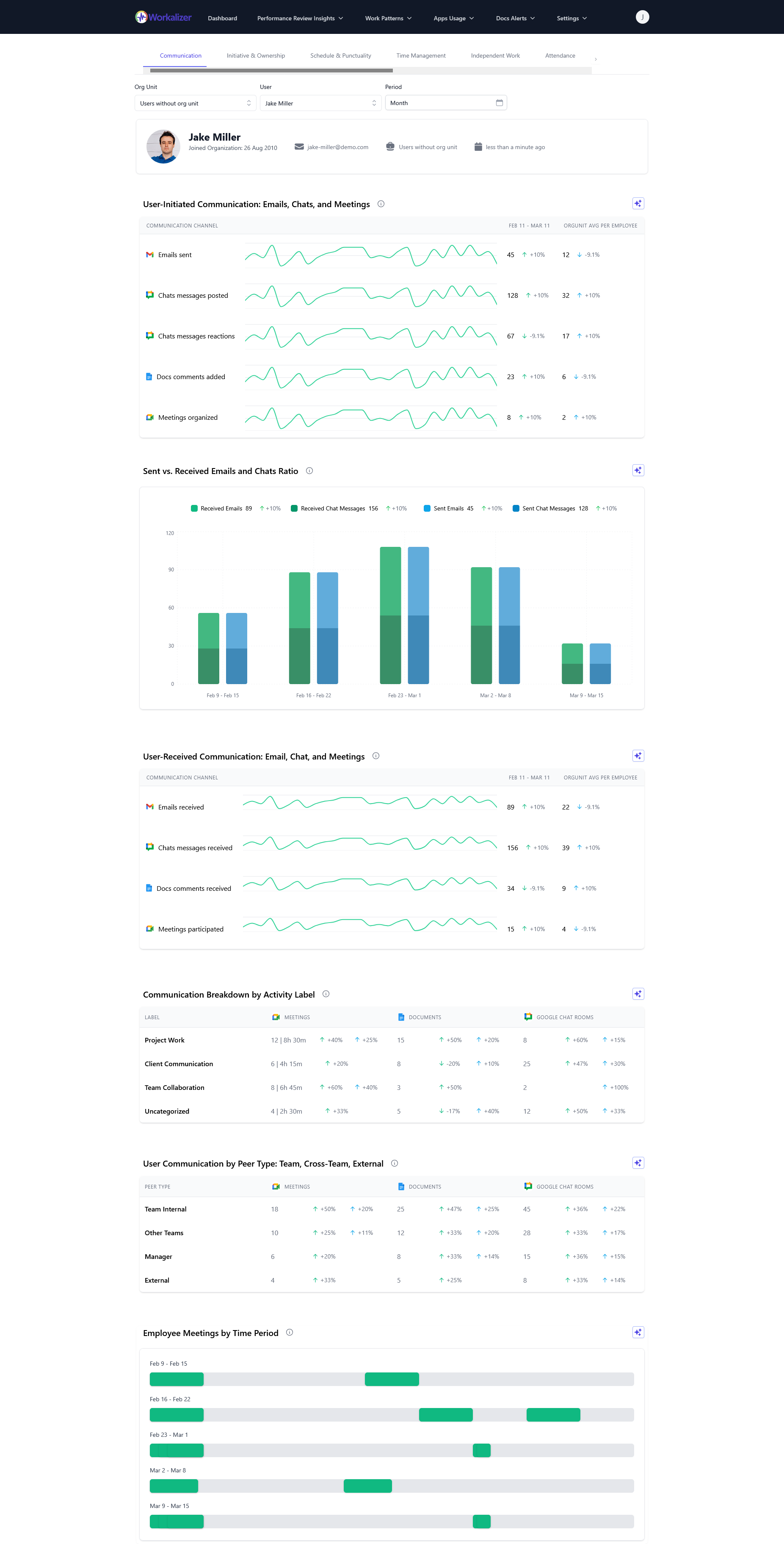
The true value of any app or tool, whether it's a hidden gem like Google Keep or a powerful mobile editor like CapCut Pad, lies in its effective utilization by your workforce. This is where Workalizer.com steps in. We analyze signals from your company's Google Workspace usage – from the frequency of Gmail interactions and Drive file sharing to the duration of Meet calls and Gemini prompts – to provide data-driven, unbiased productivity analytics.
Are your teams truly leveraging the collaborative power of Google Drive? Is the constant stream of gmail notification alert messages hindering focus or facilitating critical communication? Our platform provides HR leaders, engineering managers, and C-suite executives with the insights needed to understand how existing tools are impacting performance. We highlight areas of excellence and pinpoint opportunities for improvement, ensuring that your investment in Google Workspace translates into tangible, measurable productivity gains.
Conclusion
As we navigate the complexities of enterprise productivity in late 2026, the focus must shift from simply acquiring new tools to intelligently maximizing the potential of our existing digital ecosystems. By uncovering the hidden features of familiar apps like Google Keep, embracing the power of mobile-first creative solutions, bolstering our digital security, and optimizing fundamental practices like sharing files on Drive, organizations can unlock unprecedented levels of efficiency.
Workalizer.com is your partner in this journey, providing the unbiased, data-driven insights necessary to transform theoretical potential into real-world performance. Stop guessing, start measuring, and truly empower your workforce to achieve more with the tools they already have.