Resolving Gemini's 'Something Went Wrong (1099)' Error: Understanding Backend Conflicts and Google Drive Usage Details
Resolving Gemini's 'Something Went Wrong (1099)' Error: A Community Insight
Users of Google Gemini are encountering a persistent and frustrating issue: the 'Something went wrong (1099)' error, frequently appearing during the 'Analysis' phase. This problem is not isolated to a single device or browser, pointing towards a deeper, server-side conflict rather than a local application glitch. Understanding this error and how to effectively report it is crucial for a smoother Gemini experience.
The 'Something Went Wrong (1099)' Error Explained
Community experts confirm that Error 1099 is primarily a backend session conflict or a context overflow on the server side. It can occur whether you're using the free tier with the Flash model or a Gemini Advanced subscription with the Pro pipeline. This error often surfaces when Gemini is processing complex tasks, such as intricate image edits or detailed file modifications. Since local troubleshooting steps rarely resolve it, the issue typically requires intervention from Google's engineering team.
Initial Troubleshooting Steps (Local Fixes)
While the root cause is server-side, there are several local actions you can take to attempt to clear a 'soft lock' or corrupted session token. These steps aim to refresh your Gemini environment and rule out any browser-specific interferences:
- Start a New Chat: Begin a completely fresh conversation to drop any potentially corrupted context from previous interactions.
- Use Incognito/Private Mode: Open Gemini in an Incognito or Private browsing window to bypass browser extensions or cached data that might be causing interference.
- Clear Site Data and Cookies: For Gemini specifically, clear your browser's site data and cookies. Then, perform a hard refresh (
Ctrl + F5on Windows orCmd + Shift + Ron Mac). - Switch Models: If you are using Gemini Pro, try switching to the Flash or Thinking model via the model selector at the top of the interface. Some users report the 1099 error being specific to the Pro pipeline.
The Critical Solution: Reporting to Engineering
If the local troubleshooting steps do not resolve the 'Something went wrong (1099)' error, your account session requires direct review by the engineering team. The most effective way to facilitate this is by submitting a detailed feedback report directly from the Gemini app, ensuring system logs are included. These logs contain crucial session IDs that engineers need to trace and patch the backend failure.
Here's how to submit a comprehensive feedback report:
- Open the Gemini app or website.
- Tap your profile picture (or click your profile icon) in the top right corner.
- Select Help & feedback, then choose Send feedback.
- In the description field, briefly explain the issue. You can copy and paste a variation of this message:
Persistent Error 1099 during Analysis/Live mode on Gemini. Have already cleared cache, app data, and reinstalled. Suspected backend session conflict. Issue persists across multiple devices. - Crucially, verify that the option to include System logs (and screenshots, if applicable) is checked. These logs are vital for developers to diagnose the exact backend failure.
- Tap the send icon to submit the report.
While the engineering team typically doesn't send direct replies to these reports, they are the primary mechanism for identifying and resolving such backend bugs.
Where Workalizer Helps
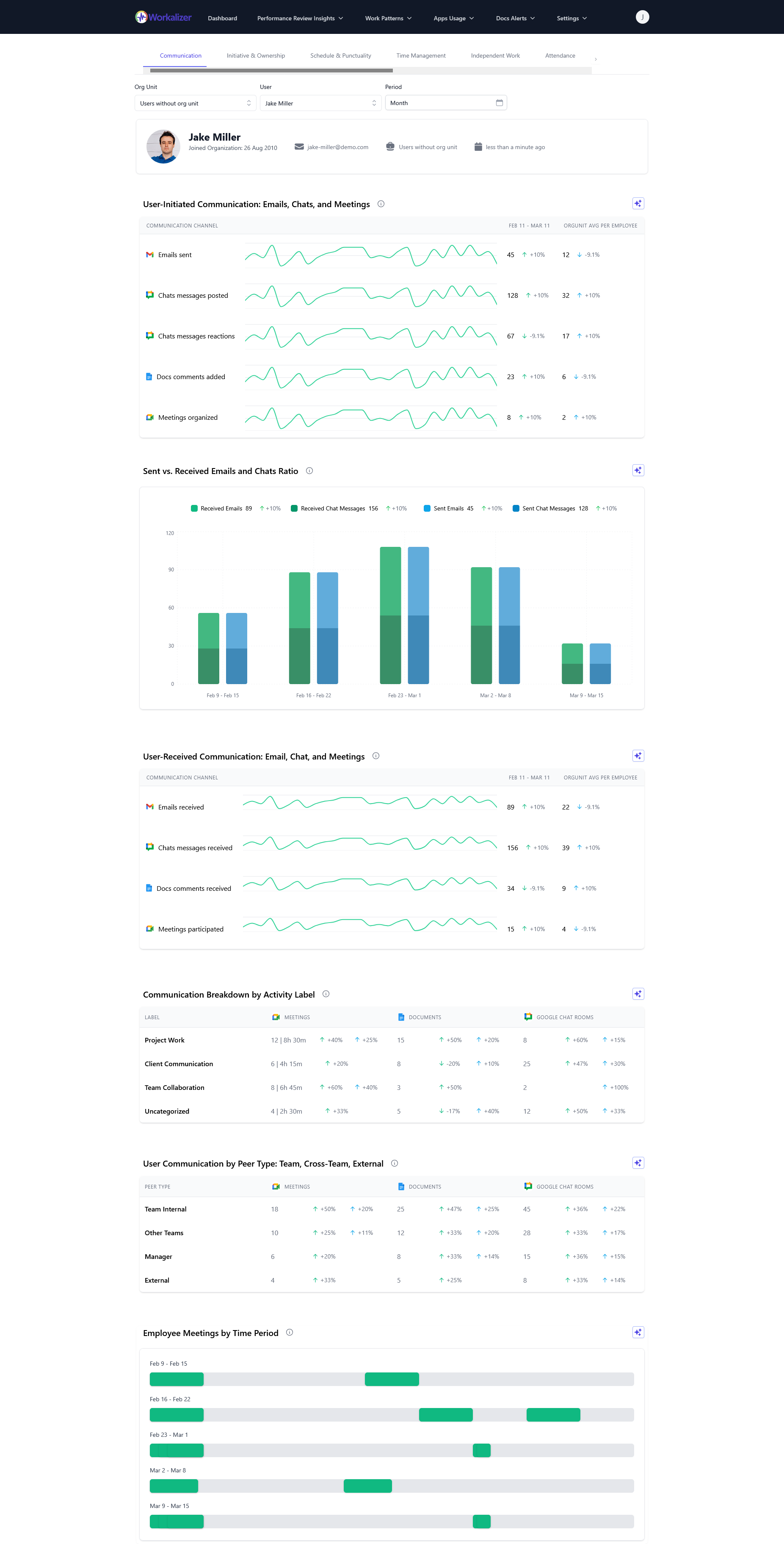
While the 'Something went wrong (1099)' error in Gemini is a backend issue requiring Google's direct attention, Workalizer provides valuable insights into how your team interacts with Google Workspace tools, including Gemini. By monitoring your Gemini Usage Report, you can track adoption and activity patterns. Persistent errors like 1099 can impact user productivity and engagement, potentially affecting how your team utilizes Gemini to process information or interact with files. For instance, if users are leveraging Gemini to analyze content, understanding your google drive usage details and how those documents are being processed by AI tools can highlight areas where such errors might be creating bottlenecks. Workalizer helps you see the broader picture of productivity and tool adoption, even as specific technical issues are being resolved by Google's engineering teams.
Conclusion
The 'Something went wrong (1099)' error in Google Gemini is a significant backend challenge. By performing initial local troubleshooting and, more importantly, by submitting detailed feedback reports with system logs, users play a critical role in helping Google's engineering team resolve these persistent server-side conflicts. Your active participation ensures a more stable and reliable Gemini experience for everyone.