Insights for Performance Review
Supercharge your review process
Unlock a wealth of data-driven insights, empowering you to conduct more effective and informed reviews
Let Data Tell a Story
Workalizer delivers actionable insights tailored to each level of your organizational structure
- Employee
- Compare key area performance against past periods and team averages
- Manager
- Assess manager's communication and interaction effectiveness
- Team/Department
- Acquire a higher-level perspective for team/department
Data Ready for Action
Employee Performance Review
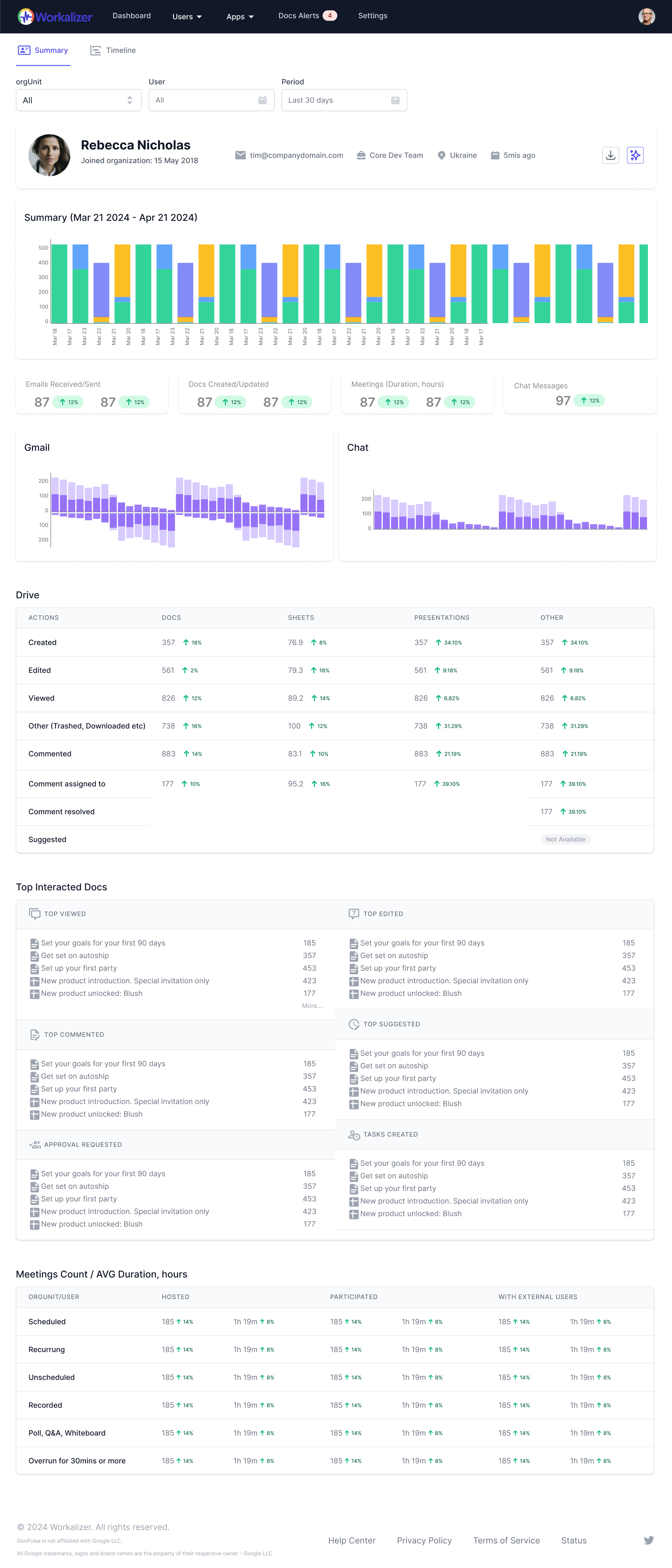
Pinpoint areas for improvement by comparing current key area performance with past periods and team averages
Technical Skills
Gain insights into an employee's proficiency by analyzing their usage of specific Google Workspace tools relevant to their role (e.g., Google Sheets for data analysis, Google Apps Script for automation). Identify trends in tool adoption and application.
Communication Patterns
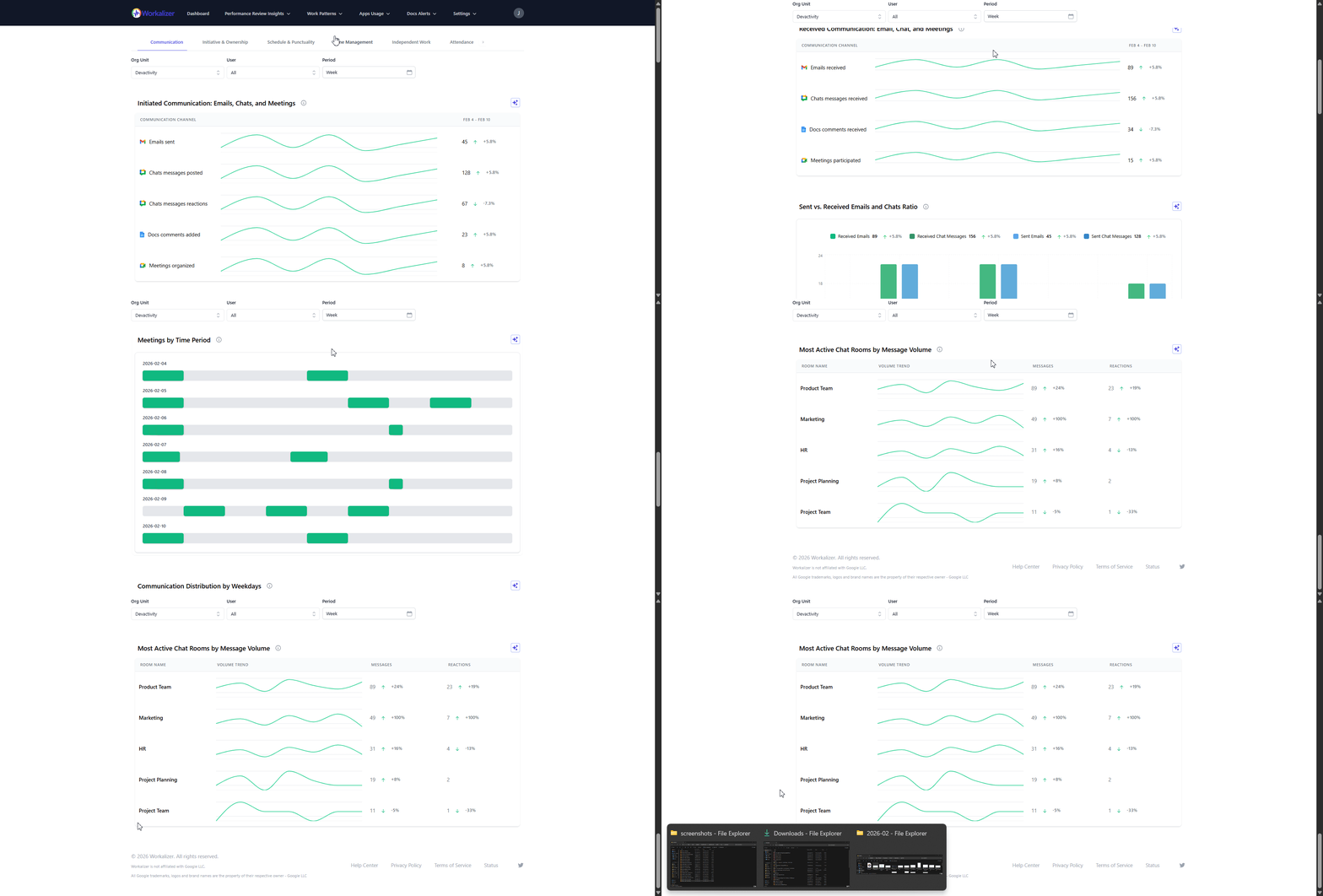
Understand communication effectiveness through analysis of email frequency, meeting participation (Google Meet), and document collaboration (Google Docs). Identify key communicators and potential communication bottlenecks.
Initiative & Ownership Indicators
Identify proactive behavior by analyzing the creation and sharing of new documents, project plans, and meeting agendas. Track the initiation of tasks and contributions beyond assigned responsibilities.
Schedule & Punctuality
Monitor meeting attendance and adherence to scheduled events in Google Calendar to assess punctuality and commitment to the schedule. Identify potential time management challenges.
Time Management
Analyze time allocation across different Google Workspace applications to understand how employees are spending their work hours. Identify potential areas for improved time management and focus.
Quality of Work Indicators
Gain indirect insights into work quality through analysis of document revision history, collaboration depth (comments, suggestions in Google Docs), and the resolution of issues raised in communication channels.
Work Consistency
Track activity levels and engagement across Google Workspace applications over time to identify patterns of consistent performance or potential fluctuations in workload and productivity.
Work Location
Understand the distribution of work activity across different time zones and working hours, providing insights into remote work patterns and team distribution (Note: This relies on available data and might not be precise location tracking).
Independent Work Patterns
Analyze individual activity within Google Workspace, such as focused work on documents or tasks outside of collaborative sessions, to understand an employee's capacity for independent work.
Group Work & Collaboration
Measure the extent of an employee's collaboration through their participation in shared documents, meetings, and group email threads. Identify active contributors and collaboration patterns.
Attendance Insights
Review meeting attendance in Google Calendar and activity logs to gain insights into an employee's presence and engagement during work hours.
Potential Signs of Isolation
Identify potential signs of isolation by analyzing communication patterns, such as a decrease in meeting participation or email communication with colleagues.
Potential Signs of Burnout
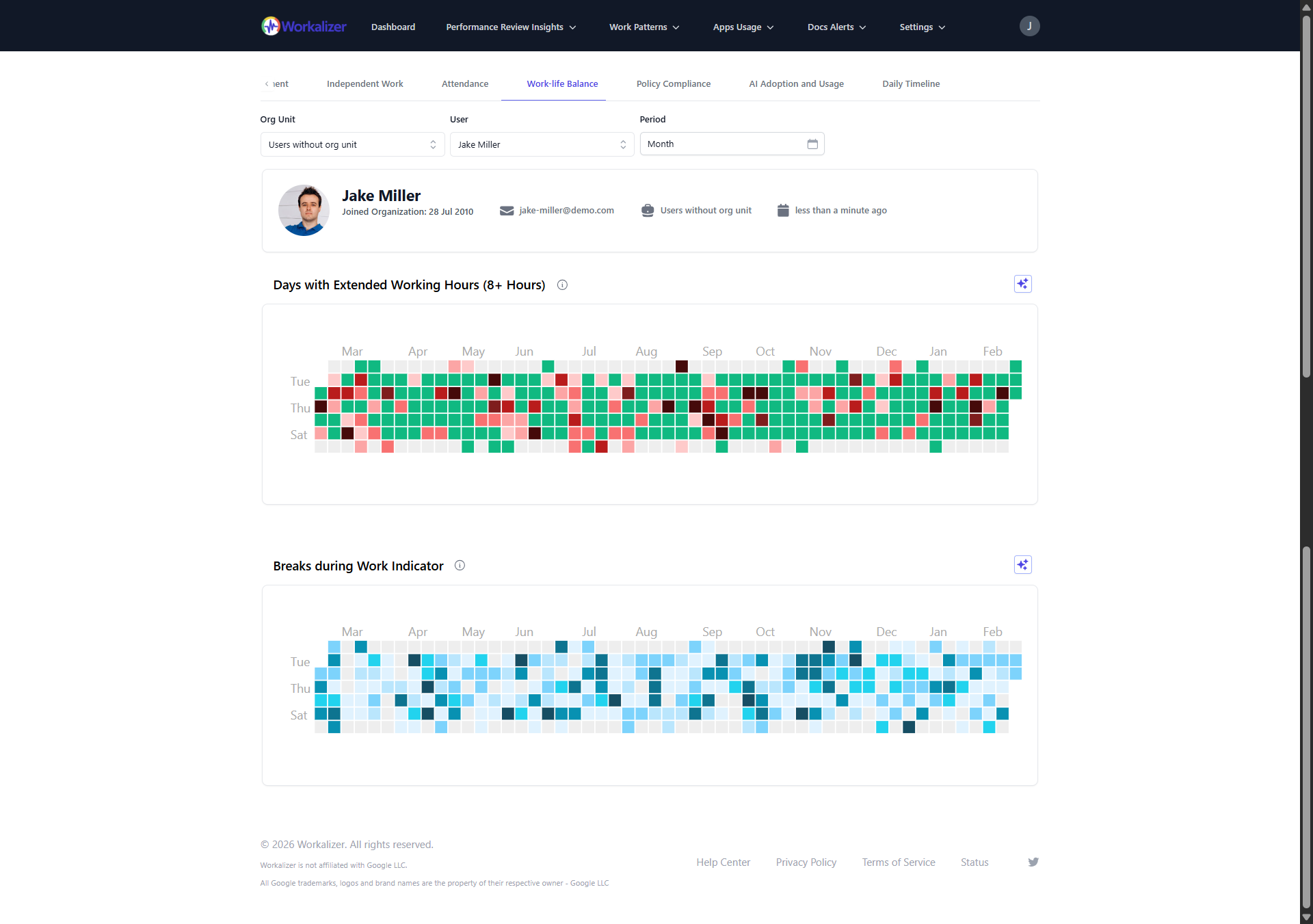
Detect potential signs of burnout by analyzing workload patterns, extended working hours (based on activity logs), and lack of breaks in activity.
Work-life Balance
Gain insights into potential work-life balance challenges by analyzing activity outside of typical working hours and across different days of the week.
Policy Compliance (Usage)
Monitor adherence to company policies related to Google Workspace usage, such as appropriate file sharing permissions and usage of approved applications.
Data to Drive Your Decisions
Manager Performance Review
Find improvement opportunities by analyzing data comparisons and overlaps
Team Change Insights
Track team composition changes over time, identifying patterns in team growth, attrition, and restructuring.
Manager Face Time
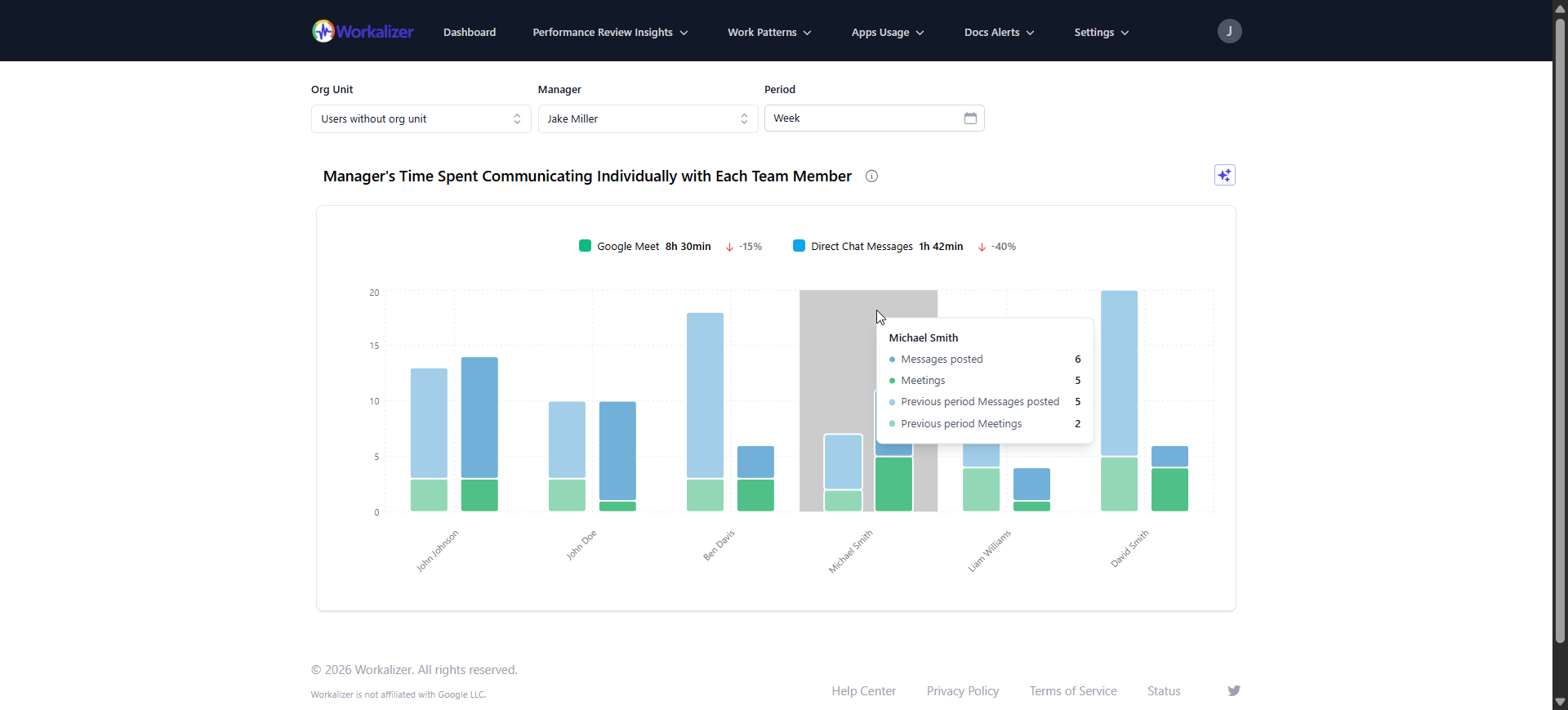
Quantify the time managers dedicate to direct interactions with their team members through calendar events and meeting durations.
Manager Support
Analyze the manager's involvement in team members' documents and collaborative activities, indicating support and guidance.
Micromanagement Indicators
Identify potential micromanagement patterns by analyzing the frequency and nature of manager interactions with team members' individual tasks and documents.
Meeting Time
Visualize the percentage of a manager's work time spent in meetings, helping to assess meeting efficiency and time management.
1-2-1 Meeting Frequency
Monitor the regularity of scheduled one-on-one meetings between managers and their direct reports.
1-2-1 Chat Engagement
Analyze the volume and responsiveness of manager-employee communication within direct chat channels.
Document Interaction
Gain insights into how managers interact with team documents - viewing, editing, commenting – to understand their level of involvement.
Onboarding Activity
Track manager engagement with new team members through their interactions in documents, chats, and meetings during the onboarding period.
Working Location Overlap
Analyze calendar data to identify the frequency of co-location or overlapping work hours between managers and their team members (if location data is available or inferred).
Team Member Activity Levels
Visualize the overall activity levels of individual team members within Google Workspace apps.
Team Member Participation
Assess team members' engagement in collaborative documents, shared drives, and group activities initiated or overseen by the manager.
Team Member Communication
Analyze the flow and volume of communication within the team, highlighting the manager's role in fostering open communication.
Project Leadership Insights
Analyze manager involvement and communication patterns within project-related Google Workspace activities.
Cross-Functional Collaboration
Analyze how managers facilitate collaboration between their team and other teams within the organization.
Data to Fuel Your Initiatives
Team/Dep Performance Review
Extract hidden improvements through data comparisons and intersections
Team Communication Flow
Visualize the volume and patterns of internal and external email communication within the team/department, identifying key communicators and potential silos.
Collaborative Document Activity
Track the team's collective engagement with shared documents, including creation, edits, comments, and sharing patterns to understand collaboration depth.
Meeting Participation & Scheduling
Analyze the team's meeting load, attendance patterns, and efficiency in scheduling meetings, highlighting time management practices.