
Employee Timeline
Visualize the Daily Work Rhythm
A clear, chronological view of an employee's activity across Google Workspace apps throughout the day.
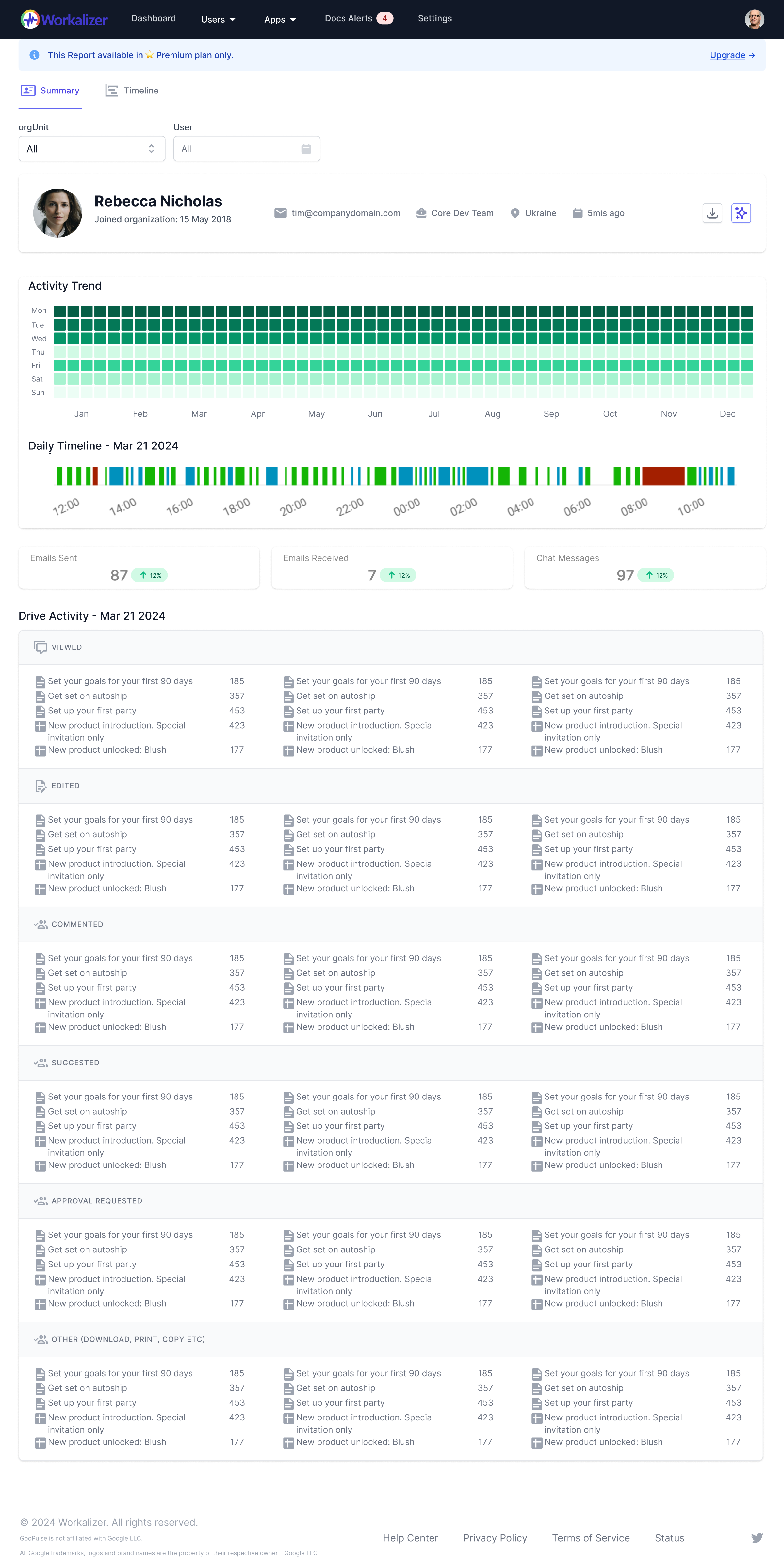
Workday Start and End
See typical start and end times from first and last Google Workspace activity.
Meeting Timeline
View scheduled Google Meet sessions with start and end times for the day.
Communication Activity Spikes
Spot periods of high email and Chat activity for a quick view of communication intensity.
Document Collaboration Blocks
See when the person was creating, editing, or collaborating on Docs, Sheets, or Slides.
Periods of Inactivity
Identify slots with little or no activity—useful for breaks or focus time away from Workspace.
Application Usage Flow
See the order in which Gmail, Drive, Meet, Chat, and other apps were used during the day.
See also: Work Patterns report · Work Patterns · Features



